
Eursap's SAP Tips: Copy SAP customising requests to multiple clients
Copy SAP customising requests to multiple clients.
Traditionally, transport paths and configuration copies are done through transaction SCC1, but since SAP S/4HANA 2020 SP01, we have been introduced to transaction SCC1N.
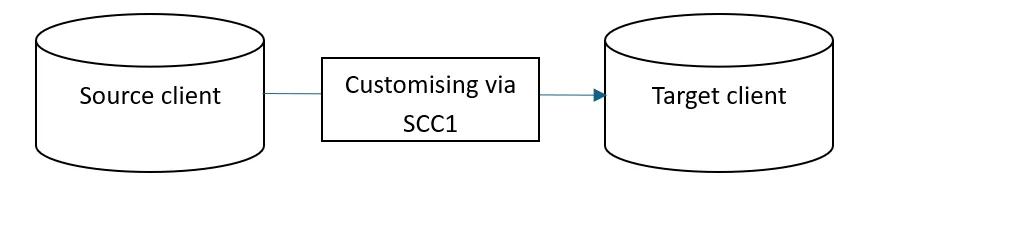
SCC1 movement of customising in SAP used to look like this:
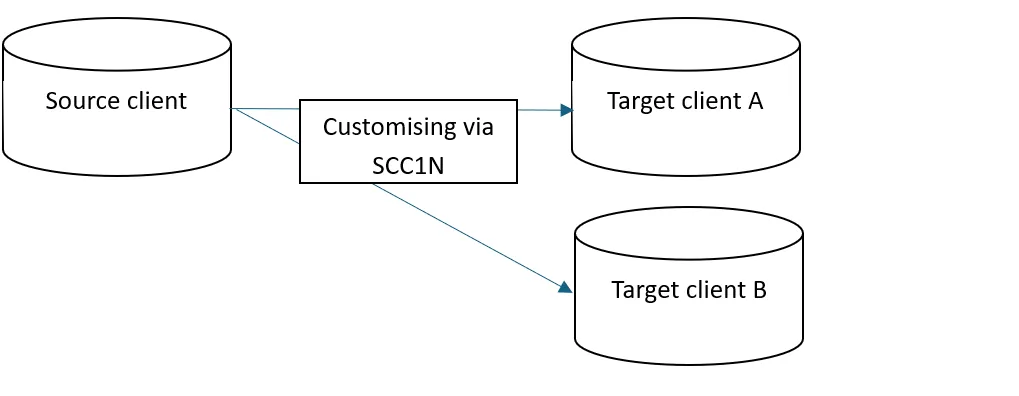
Now, with SCC1N, customising movements between clients can look like this, with multiple target clients:
Let’s explore some common SCC1N scenarios.
1. Single system client movements – this is a classic use case in the first diagram above, where customising can be copied from a source client to a target client within the same system.
2. Multi-client movements - unlike the older SCC1 transaction, SCC1N supports copying to multiple target clients in one run. It only needs to be configured once per client.
Why SCC1N Is Better Than SCC1
SCC1N is a functional evolution of SCC1 and RSCC_SCC1_BATCH, offering major enhancements:
A. No Logon to Target Client Required
Client cascading can be configured and executed centrally (e.g. from client 000), without logging into each target client individually.
B. Multi-Transport Support
Multiple transport requests can be processed in a single run, either manually or via background scheduling.
C. Enhanced Selection Criteria
You can filter transports by:
• Transport request attributes (type, target, user, CTS project)
• Delivery class of tables
• Source system and source client
• Export/import date ranges (very useful for release cycles)
Let’s summarise these advantages in a table:
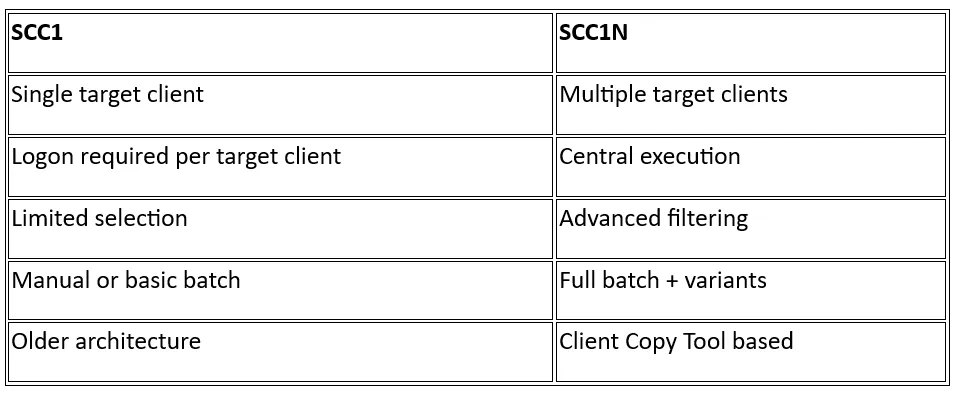
If we take a look at the two transactions side by side, it is easy to see the differences.
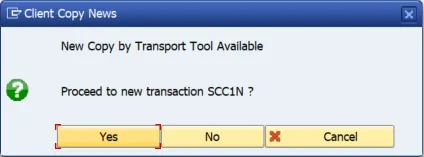
Firstly, opening SCC1 in S/4HANA 2020 SP01 and beyond will post this message:
SCC1 looks like this:
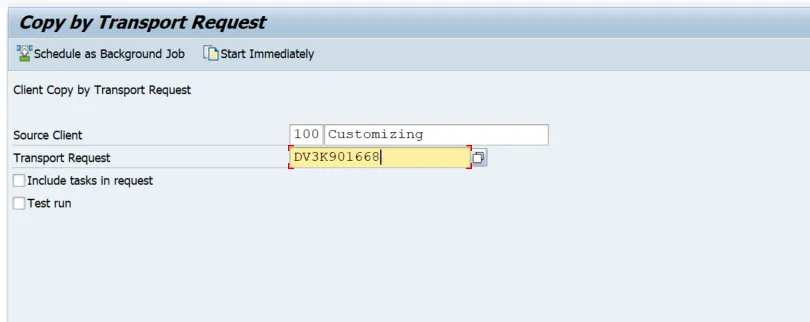
SCC1N has far greater filtering flexibility, the most obvious of which is promoting multiple transport requests at once, with multiple transport targets.
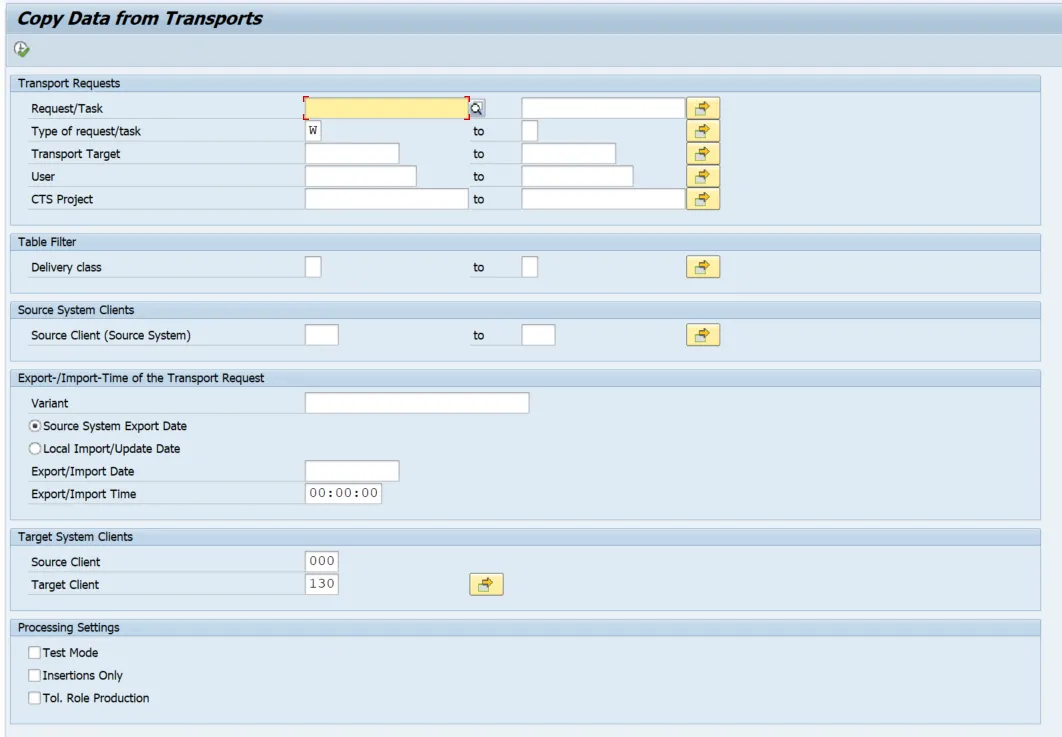
Batch Scheduling with Variants
SCC1N supports export/import variants, allowing it to be scheduled as a recurring background job. During each run:
• Only newly imported transports are copied
• The system remembers the last successful run per target client
• Adding a new target client triggers an initial catch-up copy automatically
Logging and Monitoring
SCC1N provides a modern, tab-based log, similar to the Client Copy Tool. Logs can be downloaded and attached directly to SAP incidents if required.
SCC1N and the Client Copy Tool
SCC1N is built on the Client Copy Tool architecture and:
• Reads transport objects, views, and logical objects
• Supports table change logs (DBTABLOG)
• Offers insert-only mode (no deletion of existing customising)
• Uses delta comparison to copy only changed or missing records
Final Tip!
Since SCC1N was introduced with SAP_BASIS 7.55, several important corrections have been released. For stable operation, make sure your system is on the latest support package and that all relevant SAP Notes for SCC1N are applied.
More Blogs


